

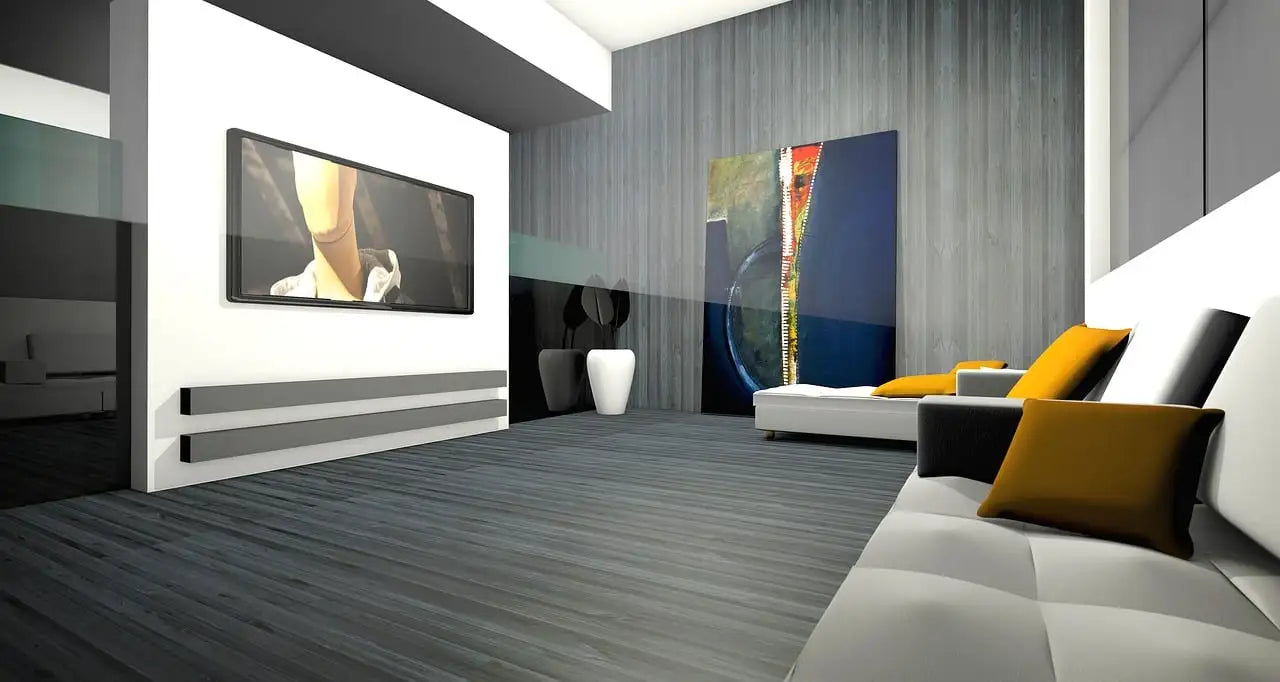
Online room and interior design planners are extremely helpful tools for planning the furnishing of living and working spaces. They allow you to test different furniture arrangements, visualize proportions, and find the optimal layout for the space. Changes can be made in real time. Room planners help avoid mistakes and encourage creative furnishing ideas. They make the furnishing process more efficient, creative, and less prone to errors because they enable precise planning and visualization.
What types of spatial planners are there?

Currently, 3 types of space planners are available:
- Simple 2D planners that make it easy to visualize proportions in space .
This makes it very easy, for example, to check whether the furniture fits in the room in the desired size and arrangement and leaves enough room to move around. - 3D room planners provide a sense of space. With 3D planning tools, you can realistically visualize your rooms. 3D room planners offer an intuitive and interactive online room design experience through the use of a 3D model.
- Virtual Reality (VR). The use of Virtual Reality (VR) in conjunction with interior design planning tools offers an immersive and realistic way to design a room plan and visualize furniture arrangements.
What can an online room planner do and what can't it do?

Room or interior design planners allow you to plan the layout of your room without actually having to move furniture. They enable you to find the optimal layout and visualize proportions . With a room planner, you can try out various arrangement options and choose the most suitable one.
Many room planners also allow you to try out different color schemes , as various colors and materials can be selected for walls, floors, and furniture. However, the available selection is usually very limited, which is why the result from the room planner is not very realistic.
Interior design planners can be used in virtually any room. They are most commonly used for living spaces such as living rooms, bedrooms, kitchens, and bathrooms. They are also used in offices to design workspaces. Business owners use interior design planners for retail and commercial spaces , while in the hospitality industry, they are used to design hotel rooms, restaurants, and common areas. Their versatility allows for the creative design of a wide variety of spaces.
What is the difference between a room planner and an interior designer?

The terms "room planner" and "interior designer" are often used interchangeably in everyday language. However, they can actually have different areas of focus. Here are the typical differences between a room planner and an interior designer:
A space planner typically focuses on the basic structure and layout of rooms within a building . This can include creating floor plans, placing walls, positioning windows and doors, and defining the overall room distribution. Space planners are often more versatile and can be used for various applications, including residential spaces, offices, commercial spaces, or even entire buildings. They enable the visualization of spatial divisions and help plan the flow and functionality of the space.
An interior design planner, on the other hand, focuses primarily on the furniture and interior design of a room . It allows users to virtually place furniture, select colors and materials, and plan the aesthetic design of a room.
In many cases, however, the terms are used interchangeably, and the functions can vary depending on the provider.
Are online room planners really free?
Most online room planners are truly free or at least offer a free version. Free room planners often don't include as many features as paid alternatives. Your choice of planning tool should depend on the specific features you need and how comprehensive your planning needs are. It can also be helpful to try out different tools to find the one that best suits your requirements. If your primary focus is on furnishing rooms, you should choose the planning tool from your preferred furniture supplier. Their planning tool allows you to plan with real furniture.
Floor plan and interior design easier than ever

Planning floor plans and furnishings has never been easier. Thanks to advanced technology, numerous online room planners are available, differing in their functionality, user-friendliness, and additional features. Below, we present a selection of the most popular room planners to help you design your living spaces to their full potential.
Examples of apps and online planners
The right interior design and home planning software is a crucial tool for renovating office and living spaces. Here's an overview of the most popular 3D room planner apps:
HOMESTYLER

Homestyler focuses less on individual planning and more on sharing your own designs and following other users. The 3D view in editing mode takes some getting used to. The catalog includes both universal furniture and designer pieces.
- Price : free + paid versions with additional options
- Features : good
- Service : good
- Link: iOS ( download here ), Android ( download here )
ROOMLE

The free room planning app Roomle offers comprehensive features for interior design. These include true-to-scale floor plans, a diverse selection of furniture and colors, and an impressive 3D view for virtual house tours. An additional highlight is the room planner's augmented reality function.
However, the app is difficult to use. Precisely adjusting walls requires a lot of effort, and entering specific dimensions is not possible. Regrettably, there is also no "back" button.
- Price : free + paid Pro versions
- Features : good
- Operation : satisfactory
- Link : iOS ( download here ), Android ( download here – note: not available in the official Google Play Store!), as well as for Windows desktop ( registration required ) and also for Mac ( download here )
HOUZZ

Houzz provides countless design ideas. The free basic version of the app doesn't focus on creating floor plans, but instead offers inspiration for designing your own rooms. It draws on an extensive image database with ideas for various interior design styles. Over 400,000 photos are available in the room planner app to help you find creative inspiration for your personal living spaces. The paid Pro version also allows you to take 3D virtual tours of your sketches using augmented reality.
- Price : free + paid Pro version
- Functions : satisfactory
- Service : good
- Link: iOS ( download ), Android ( download ), and desktop versions for Windows ( download – note: not available in the official Windows Store!) and Mac ( download )
MAGIC PLAN

With the MagicPlan app, users can easily create precise floor plans. Using the smartphone camera, existing rooms can be mapped effortlessly and combined into a complete view of an apartment or house. Furthermore, the room planning feature, using augmented reality, enables a virtual 3D walkthrough. However, some drawbacks of this room planning application include the use of voice commands and videos that cannot be turned off.
- Price : free + paid version
- Features : good
- Operation : satisfactory
- Link: iOS ( download here ), Android ( download here )
ROOMSKETCHER

RoomSketcher is user-friendly and offers various room views, as well as the integration of furniture and decorations. However, the room planner is only partially intuitive to use. YouTube tutorials can help. The database for apartment planning, including furniture, accessories, decorations, and other furnishings, is sufficient in the free version.
- Price : free + paid Pro version
- Features : good
- Operation : satisfactory
- Link: iOS Download, Android Download
Planner 5D:

Planener5D offers simple 2D and 3D room planning with a large library of furniture and decorations and an intuitive user interface.
- Price : free + paid add-ons
- Features : good
- Service : good
- Link : https://planner5d.com/de
Can online room planning work even if I'm not a design professional?

Online room planning is possible even without design experience. User-friendly tools allow you to easily use templates, place furniture via drag-and-drop, and utilize pre-made color palettes. An intuitive interface and tutorials simplify the process. At Flexcube, we offer free, no-obligation expert advice for your interior design project using the Flexcube design classic: for large or small office projects, your medical practice, your law firm, or even just your home office.
Share :
Tips and tricks for a smooth office move
USM Haller Colors 2025: The complete palette & how Flexcube brings new tones to your rooms